How to check in
Last reviewed:
-
Step 1
Check your session
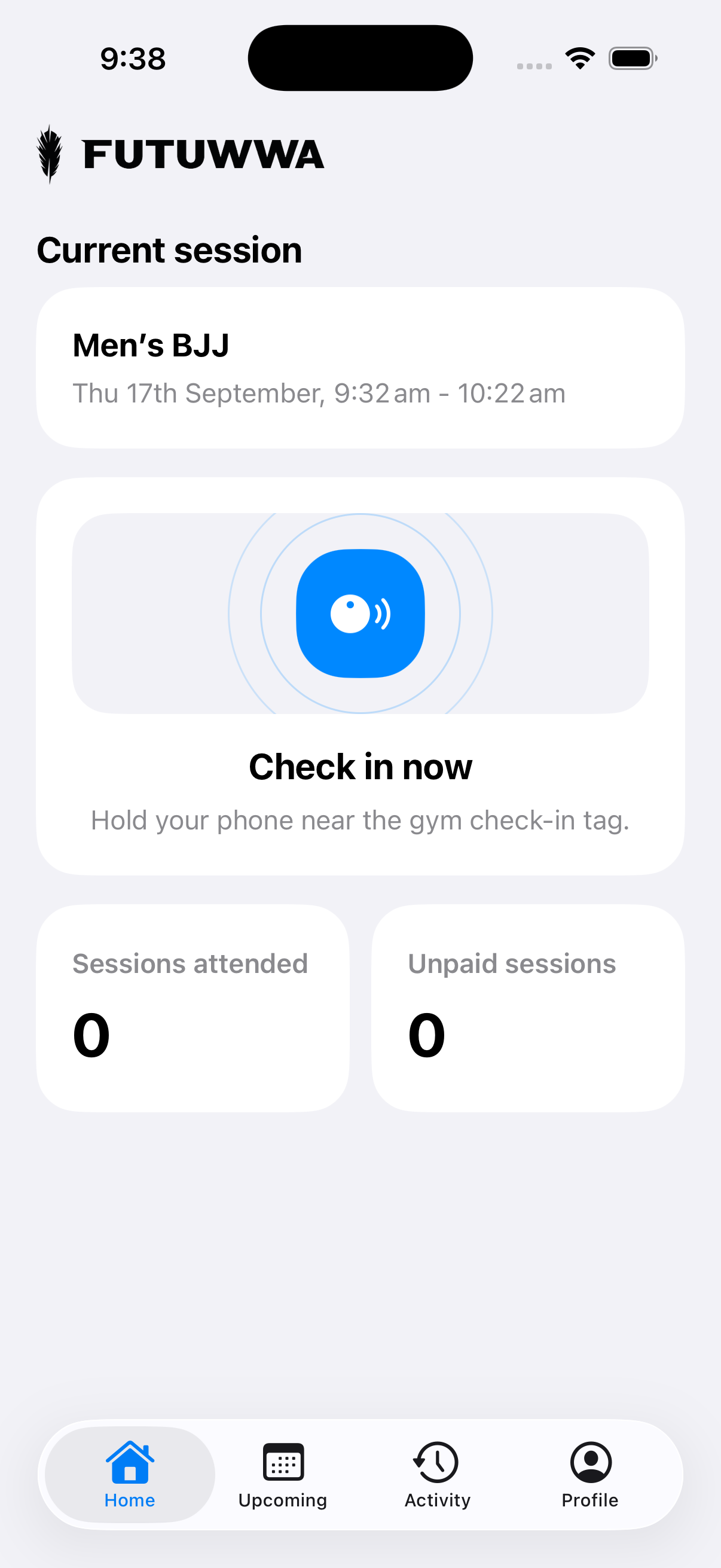
Open Home and check your session details. Check-in opens 10 minutes before the session starts and closes one hour after it ends. When check-in is open, Home shows Check in now.
-
Step 2
Scan the gym tag
Unlock your phone and hold it near the gym check-in tag. Tap the notification if one appears to open Futuwwa.
-
Step 3
Pay for your session
If there’s no active membership, the app copies your Member ID and opens Zeffy. Paste or enter it in Futuwwa Member ID, use the calendar icon in Session date to select the session’s date, and complete payment.
-
Step 4
Check your attendance
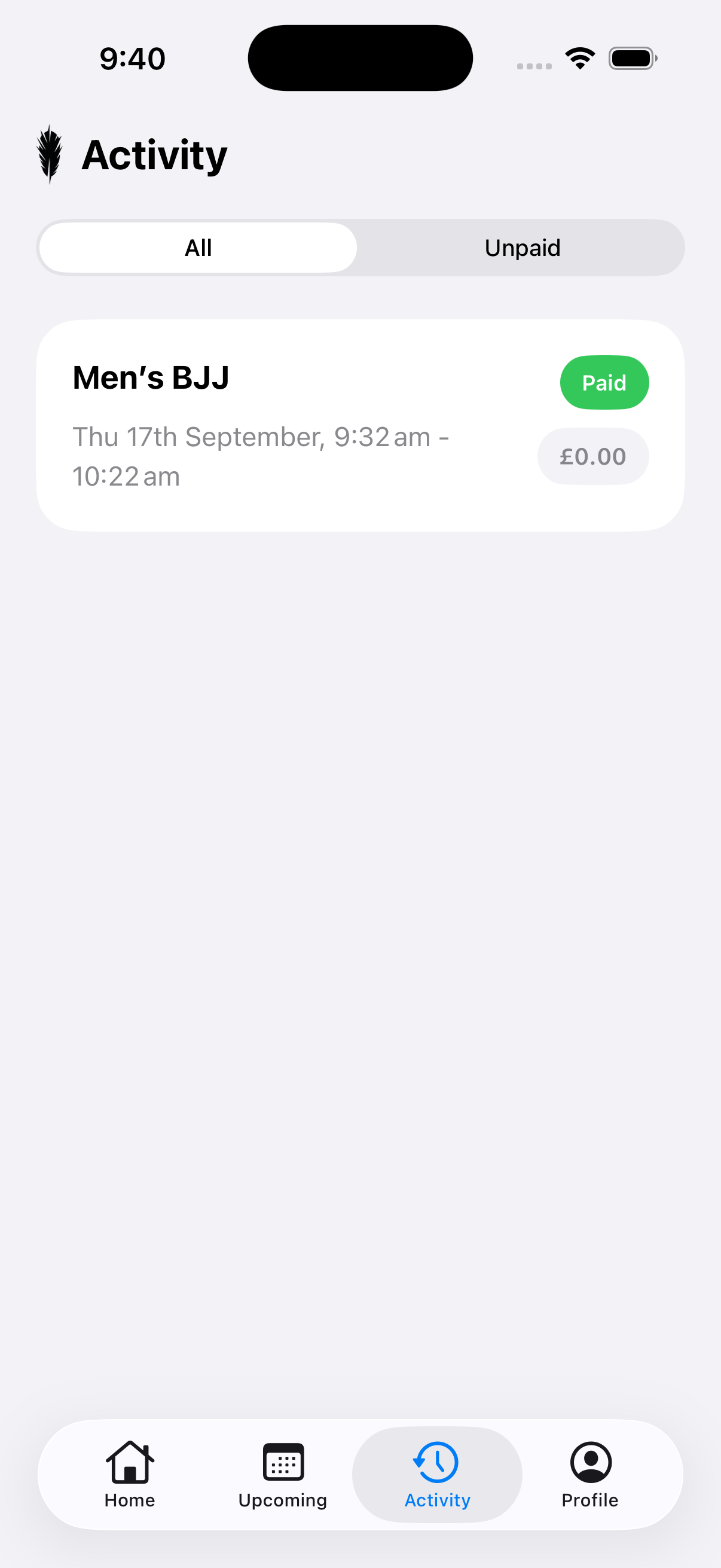
Tap Activity, then select All. Your recorded session appears with a Paid or Unpaid status.
Tap an unpaid session to pay. If you have just paid, wait briefly and pull down to refresh. Do not pay again.